Detail 1 · Shelf Scan
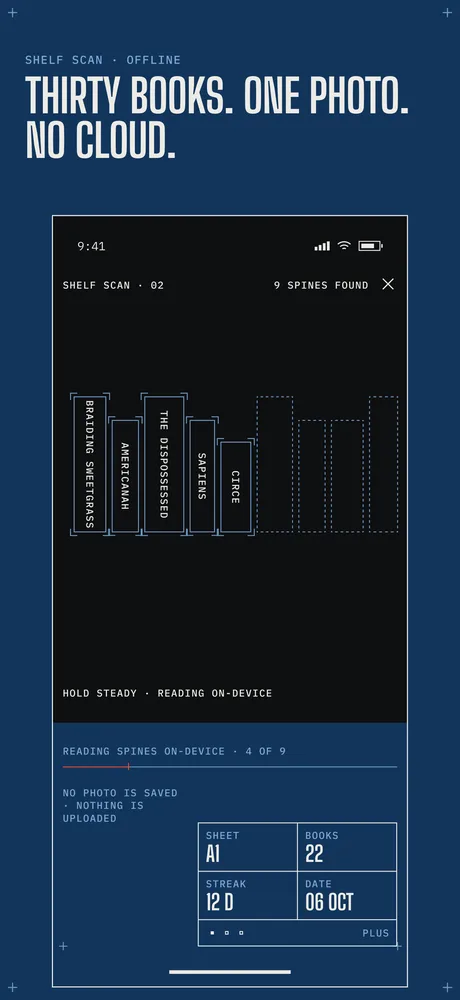
Thirty books. One photo. No cloud.
Point the camera at a shelf. Dogear reads the spines on your iPhone and draws each book onto your sheet, one by one.
- Recognition runs on the device
- The photo is not saved
- Nothing is uploaded
Sheet A1 · Home
Dogear is a reading tracker for iPhone. Scan a shelf, press a spine to start reading, log the page you stopped on. Everything stays on your phone.
Coming soon to the App Store and Google Play
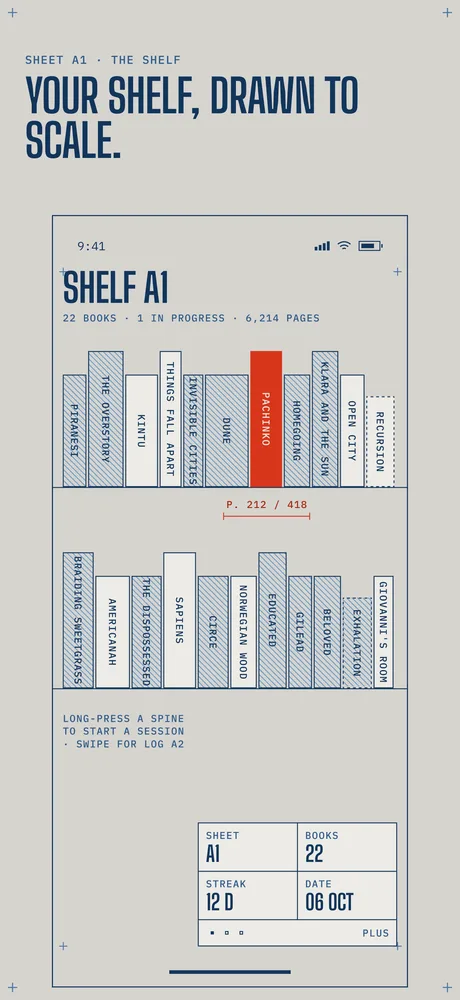
Spine width ∝ page count
Detail 1 · Shelf Scan
Point the camera at a shelf. Dogear reads the spines on your iPhone and draws each book onto your sheet, one by one.
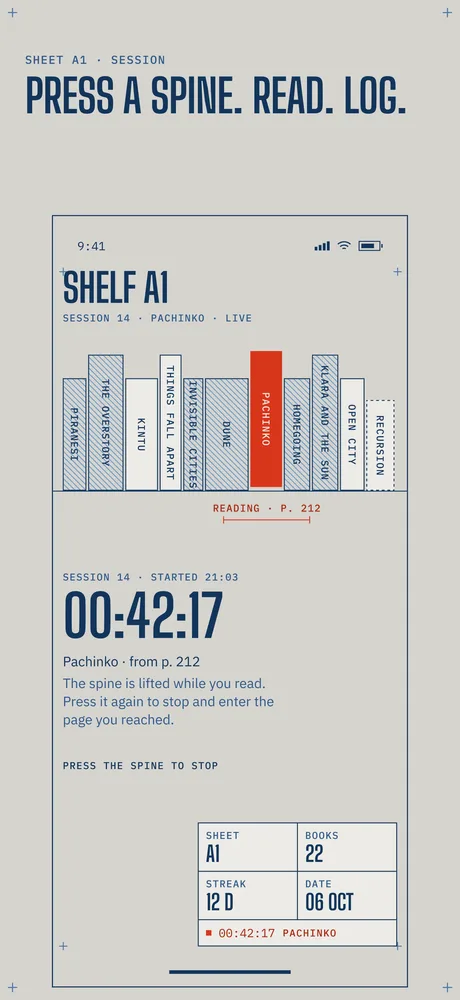
Detail 2 · Sessions
Long-press a book to start a session. The timer runs while you read. Press the spine again to stop, then enter the page you reached.
Detail 3 · Year sheet
Your pages for the year laid out as a dimension line against a goal, with the books you finished each month.
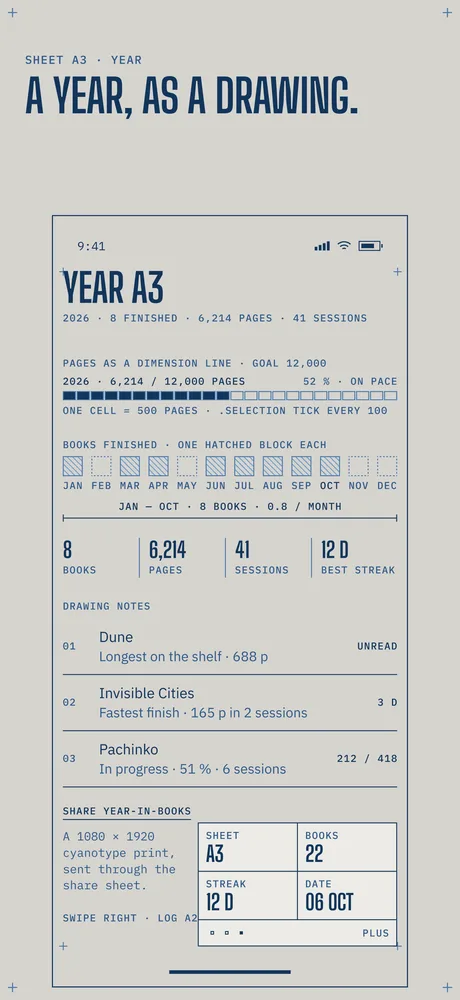
Detail 4 · Widget and dark mode
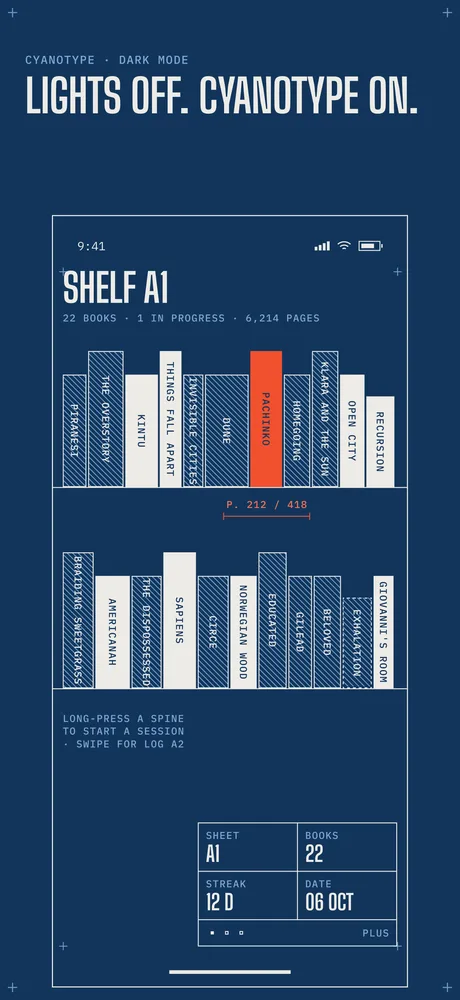
A Home Screen widget keeps your reading in view without opening the app. At night, the pencil drawing turns into a cyanotype print: blue sheet, white lines, the same red mark.
Sheet A3 · Specification
Sheet A4 · Revision 1 · Dogear Plus
Dogear is free for a shelf of up to 20 books. Dogear Plus removes the free shelf limit.
| Plan | Price | Note |
|---|---|---|
| Yearly | $9.99 / yr | 7 days free |
| Monthly | $1.99 / mo | No trial |
| Lifetime | $19.99 | Pay once |
Prices in US dollars; local prices may differ. Payment is handled by Apple. Subscriptions renew automatically until cancelled in Settings. Terms of Use.
Sheet A5 · Questions
No. There is no sign-up and no login. Dogear works entirely on your iPhone.
No. The camera image is read on your iPhone to find book spines. It is not saved and not sent anywhere. Dogear makes no network calls at all.
The free shelf holds 20 books. Dogear Plus removes that limit. Everything you have already logged stays where it is.
Dogear has no account or server, so your shelf lives on your iPhone. See Support for what to check before you switch.
It is in development. Dogear is coming soon to the App Store and Google Play.